
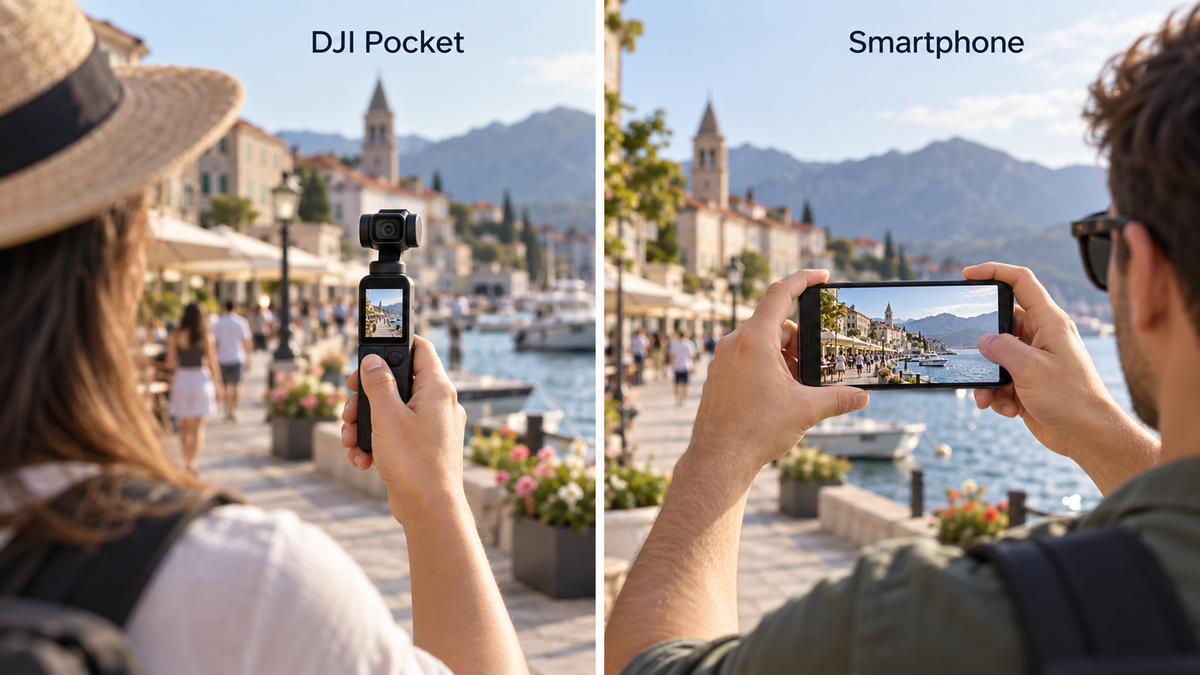
Your smartphone is already in your pocket. It records video, takes photos, and lets you edit and share without switching devices. So why carry another camera?
For most casual filming, you may not need to. A DJI Pocket becomes worth considering when you can name something you regularly struggle to capture with your phone—and a dedicated camera makes that task easier.
The useful question is less about which device has more impressive specifications and more about which one helps you record the moments you care about.
When Your Smartphone Is Enough
You mainly record short, spontaneous clips
A quick birthday moment, a restaurant visit, or a few seconds from a weekend outing rarely requires another device. If you like the results from your phone, that is a good reason to keep using it.
A separate camera also needs to be charged, carried, and ready. Any improvement matters less if the extra preparation means you miss the moment.
You want the simplest route from recording to sharing
A phone keeps filming, editing, messaging, and posting in one place. A dedicated camera adds a transfer step if you want to edit or publish on your phone.
For someone who mostly shares clips immediately, that workflow can matter more than a camera feature they would seldom use.
You have not identified a specific problem
“I want better videos” is a starting point, but it is difficult to buy for. Try making the problem more precise:
- My walking footage has distracting movement.
- I struggle to keep myself framed when filming alone.
- I need to record while keeping my phone available for other tasks.
- I want a more deliberate setup for regular video projects.
If none of these—or another clear limitation—describes your experience, spend more time filming with your phone before adding equipment.
When a DJI Pocket May Be Worth It

You regularly film while moving
Walking through a city, following someone along a path, or recording a room tour puts different demands on a camera than standing still.
A motorized gimbal can help control camera rotation and make movements more deliberate. It does not remove every kind of motion: footsteps can still introduce vertical bounce, and sudden movements can still spoil a shot.
Smartphone stabilization varies by device, camera, recording mode, and lighting. Before buying, compare footage from the phone and Pocket model you would actually use. Look at walking shots and turns—not just static scenes.
You often film yourself
Solo travel videos, demonstrations, and talking-to-camera clips can be difficult when you are both the subject and the camera operator.
On supported Pocket models, subject tracking can help maintain framing as you move. Check the exact model and recording mode before relying on it. DJI notes, for example, that Pocket 3 tracking is unavailable in several modes, including Slow Motion and its dedicated Low-Light mode.
Tracking is a practical tool, not a substitute for setting up the shot. You still need a stable position, suitable framing, and a check that the subject stays within the camera’s movement range.
You want to keep your phone available
On a trip, your phone may also be your map, ticket wallet, translator, and communication device. A separate camera lets you keep recording without using the phone as the recording device.
The tradeoff is another battery to manage and another item to look after. Whether that feels freeing or inconvenient depends on your routine.
You make videos often enough to build a workflow
A dedicated camera can make sense when filming is a recurring activity: a weekly vlog, regular product demonstrations, or a habit of making family videos.
Frequency alone does not justify a purchase, but it gives you more opportunities to benefit from features you actually need. If you rarely edit or revisit your existing footage, consider whether a new camera would change that habit.
What You Give Up by Carrying Another Camera
A more involved workflow
Think beyond the recording itself. Where will the footage go? How will you back it up? Will you edit on a phone or computer?
Pocket 3, for example, records to a microSD card. Recording, transferring, organizing, and backing up are all part of ownership—not tasks that disappear after buying the camera.
Extra cost beyond the camera
Depending on the model and package, your setup may also require a compatible memory card, protective storage, or accessories for a specific use.
Start with the essentials. A microphone or tripod is easier to justify once you know what your first setup cannot do.
Different strengths from your phone
Do not assume a Pocket will replace every phone camera function. Consider still photos, lens options, close focusing, framing flexibility, and ease of sharing.
Likewise, neither “dedicated camera” nor “larger sensor” guarantees a better result in every situation. The specific devices, lighting, settings, and operator all matter.
DJI Pocket or Smartphone? A Practical Starting Point
Your main priority |
Start by considering |
| Quick clips and immediate sharing | Your smartphone |
| The fewest devices to carry | Your smartphone |
| Regular walking footage with controlled camera movement | A Pocket, compared with your phone’s stabilization |
| Filming yourself while moving within a setup | A Pocket with suitable tracking features |
| Keeping your phone free during recording | A separate camera |
| A mix of photos, different focal lengths, and casual video | Your phone’s camera options first |
| Better results without changing filming habits | Improve technique before buying |
These are starting points rather than universal rules. The right choice depends on what you film and what you are willing to carry.
Try This Before You Buy
Use your phone to record three short sequences:
- A walking sequence: move along a route you would realistically film.
- A self-recorded sequence: introduce a place or explain something on camera.
- An everyday sequence: capture a familiar activity in your usual lighting.
Review them on a larger screen if possible. Write down the problem with each clip.
Then ask whether the limitation comes from the equipment or the technique. Shaky handling, poor lighting, unclear sound, and weak framing do not all have the same solution. Some problems may improve with practice, a different position, or a simple support.
If you can borrow or rent the Pocket model you are considering, repeat the same sequences. Compare the full experience: setup time, footage, sound, transfer, and whether you enjoyed using it.
So, Do You Need a DJI Pocket?
If your phone captures what you want and makes sharing easy, you already have a useful filming setup.
A DJI Pocket is worth considering when you regularly need its particular strengths—and are comfortable with the extra cost, care, and workflow. It can complement your smartphone without replacing it.
At Vitikoo, we believe useful technology should earn its place in everyday life. The best camera choice is one that helps you capture something meaningful and makes you want to keep creating.
What would make filming easier for you—steadier footage, easier self-filming, better sound, or less time spent editing? Share your experience in the comments.
Share: